
Complete Guide · 2026
How to Use Bach 1.0
to Create Cinematic AI Videos
Bach 1.0 transforms text prompts and reference images into cinematic-quality videos in minutes. This step-by-step guide walks you through everything you need to get started — no editing experience required.
What Is Bach 1.0 and Who Is It For
Before diving into how to use Bach 1.0, it helps to understand what makes it different. Bach 1.0 is a next-generation AI video generator built to deliver cinematic output from simple inputs — no film school required.
Bach 1.0 is a cinematic AI video generator that turns text prompts and reference images into professional-grade video clips. Unlike earlier text-to-video tools, Bach 1.0 prioritizes motion coherence, prompt adherence, and visual fidelity — producing clips that look like they were shot, not generated. Whether you are a content creator, marketer, or filmmaker, Bach 1.0 gives you Hollywood-grade output from a browser.
Text-to-Video That Follows Your Prompt
Type a scene description and Bach 1.0 generates a cinematic clip that matches your intent. Complex camera directions, lighting cues, and stylistic notes are honored with high fidelity.
Image-to-Video That Respects Your Source
Upload a reference image and Bach 1.0 animates it while preserving subject identity, lighting, and composition. Perfect for bringing still photography, concept art, or product shots to life.
Cinematic Output, No Crew Needed
Bach 1.0 delivers 1080p video at smooth frame rates with natural motion physics, consistent lighting, and minimal artifacts — indistinguishable from pro footage for most digital use cases.
Want to see BACH 1.0's full technical specs and generation modes before you start? Browse the complete feature page.
How to Use Bach 1.0: Your First AI Video in 4 Steps
Getting started with Bach 1.0 is straightforward. The interface is built for speed — you can go from sign-up to downloading your first clip in under five minutes. Here is exactly how to use Bach 1.0, broken down step by step.
Step 1: Create Your Bach 1.0 Account
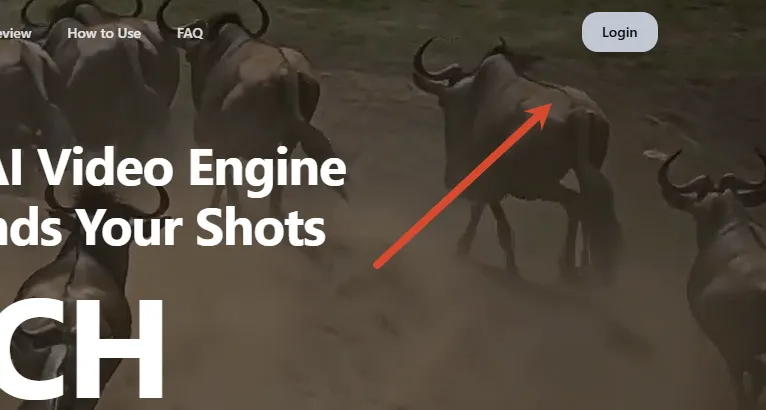
Head to BACH 1.0 Website and sign up with your email or Google account. New users receive free generation credits on sign-up — enough to create several videos without spending a dime. No credit card is required, and you can cancel anytime. The dashboard opens immediately after verification, putting you one click away from your first project.
Not sure what you'll get after signing up? Our hands-on review covers pricing and free credit details.
Step 2: Enter Your Prompt or Upload a Reference Image
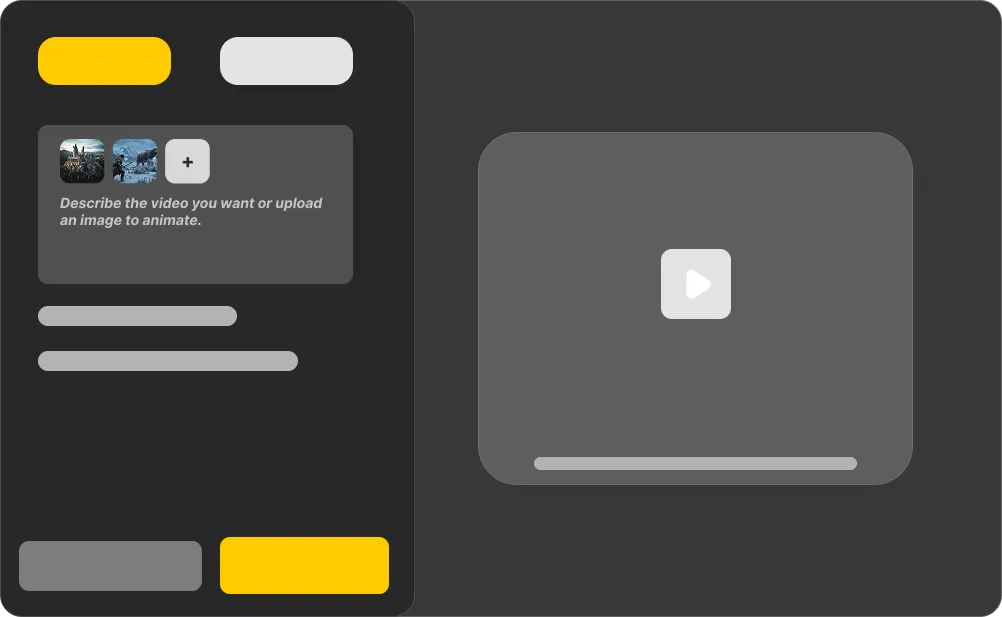
Bach 1.0 accepts two input types: text prompts and reference images. For text-to-video, describe your scene in plain English — include details about subject, action, lighting, and camera movement. For image-to-video, upload a JPG or PNG (up to 10 MB) and let Bach 1.0 animate it with natural motion. You can also combine both: upload an image as a visual anchor and add a text prompt to guide the motion and framing.
Step 3: Generate and Preview Your Bach 1.0 Video
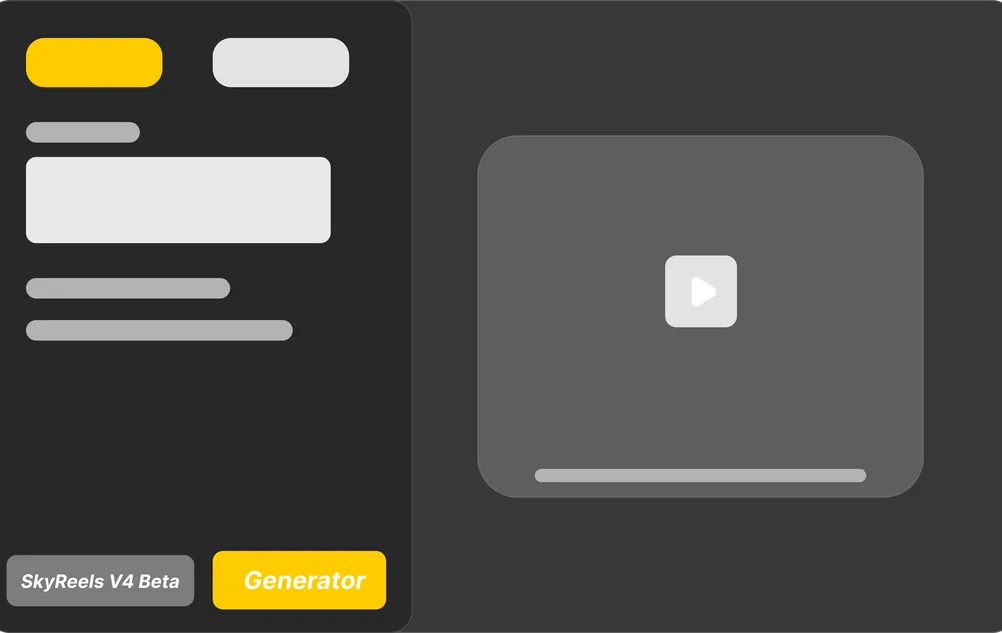
Click "Generate" and Bach 1.0 starts processing your video. Average generation time is roughly two minutes per clip, depending on resolution and duration. A real-time progress bar shows your task status. Once complete, a full-resolution Bach 1.0 preview appears directly in the browser — watch it, scrub through frames, and confirm it matches your vision before downloading.
Wondering what great output looks like? See real BACH 1.0 generations in the review's video demo section.
Step 4: Download Your Video and Share It Anywhere
Happy with your Bach 1.0 preview? Download the clip as an MP4 file at native 1080p resolution. Upload it directly to TikTok, Instagram Reels, YouTube Shorts, or embed it in a campaign landing page. If the result needs a tweak, adjust your prompt or reference image and re-generate — each iteration refines your output. All generated videos are yours to use commercially, royalty-free.

Bach 1.0 Features That Make AI Video Generation Effortless
Knowing how to use Bach 1.0 means understanding what the tool can actually do. Below are the core features that separate Bach 1.0 from basic video generators — each one designed to give you more control, higher quality, and faster results.
Generate Cinematic Video from Text Prompts
Describe any scene in natural language and Bach 1.0 turns it into a polished video clip. The prompt engine understands nuanced direction — specify camera angles, lighting setups, color palettes, and subject actions, and the model follows them with remarkable accuracy. Whether you need a slow-motion product reveal or a fast-paced action sequence, typing it out is all it takes.
Animate Still Images with Natural Motion
Upload a photo, concept sketch, or product shot and Bach 1.0 generates a video that animates the scene while keeping the original subject intact. Facial features, textures, and lighting from the source image are preserved frame-to-frame. This is ideal for turning photography into short-form video content or bringing character designs to life without rigging or 3D software.
Download in Crisp 1080p Resolution
Every Bach 1.0 video renders at native 1080p resolution with smooth motion and minimal compression artifacts. The output is clean enough for social media campaigns, YouTube uploads, and client presentations — no upscaling or post-processing needed unless you choose to fine-tune further in an external editor.
Preview Your Bach 1.0 Clips in Under 2 Minutes
Most clips finish generating within two minutes, and the Bach 1.0 preview appears directly in your browser the moment rendering completes. A live progress indicator keeps you informed, so you are never left guessing. For creators on tight deadlines, this turnaround speed means you can iterate quickly and publish same-day.
Use Every Video Commercially — No Extra Fees
Every video you generate with Bach 1.0 comes with full commercial rights. Use your clips in paid ads, client projects, monetized YouTube content, or product launches without worrying about licensing restrictions or royalty payments. You made it, you own it.
What You Can Create with Bach 1.0: Real-World Use Cases
Once you know how to use Bach 1.0, the question shifts from "can it do this?" to "what should I make first?" Here are the most practical ways creators and businesses are using Bach 1.0 videos right now.
TikTok, Reels, and YouTube Shorts
Short-form video is the highest-engagement format on every platform. Use Bach 1.0 to generate eye-catching clips for TikTok, Instagram Reels, and YouTube Shorts — hook viewers in the first second with cinematic motion that stops the scroll. No camera, no lighting setup, no shoot day required.
Performance Marketing and Ad Creative
Agencies and growth teams use Bach 1.0 to produce video ad variants at scale. Generate a batch of UGC-style clips, product demos, or brand spots in minutes instead of booking a production crew. Test multiple creative angles without blowing your production budget.
Product Demos and Brand Videos
Show your product in motion — even before it physically exists. E-commerce brands and SaaS companies use Bach 1.0 to create polished product reels, explainer videos, and brand anthems that look like they cost thousands to produce.
Birthday Greetings, Travel Recaps, and Creative Experiments
Not every Bach 1.0 video needs a commercial goal. Animate a family photo for a birthday message, turn travel snapshots into a cinematic highlight reel, or experiment with visual ideas that would be impossible to film in real life.
Pro Tips for Getting the Most Out of Bach 1.0
Once you have learned the basics of how to use Bach 1.0, these pro-level techniques will help you produce consistently better results — faster.
[Subject] + [Action] + [Style] + [Lighting]. Example: "A young woman in a red coat walking through a rainy Tokyo alley at night, neon reflections, slow-motion, shallow depth of field" — this level of detail gives Bach 1.0 clear direction and consistently produces stronger results.
Always generate at 1080p even if your final output goes to a smaller format. You can always downscale cleanly, but you cannot add detail that was never there.
For Image-to-Video mode, use well-lit, high-contrast reference images with a clear subject. Avoid blurry or heavily compressed source files — the model uses every pixel for motion estimation, and poor input equals poor output.
Generate 3-4 variations per prompt with slight wording tweaks. Small changes to adjectives ("golden light" vs "harsh sunlight") can produce dramatically different cinematic results.
For a full breakdown of how BACH 1.0 compares to Sora, Runway, and Kling on output quality, see the side-by-side comparison in our review.
Frequently Asked Questions About How to Use Bach 1.0
Bach 1.0 is a cinematic AI video generator that creates professional-quality video clips from text prompts and reference images. It runs entirely through a web browser — no software downloads, no hardware requirements. The model is optimized for motion coherence, prompt adherence, and 1080p output suitable for social media, ads, and creative projects.
Go back to the BACH 1.0 homepage to see what the engine delivers at a glance.
Ready to Try Bach 1.0?
You now know how to use Bach 1.0 — the only thing left is to create your first video. Sign up, claim your free credits, and see what Bach 1.0 can do with your ideas.